For using a desoldering tool in good condition, it is recommended to conduct a daily check after every use and a periodic inspection depending on the frequency of use in a correct way.
Filters prevent flux from invading the station.
Always install filters when using a desoldering tool and inspect them periodically to ensure that they are not contaminated with flux or solder.
Early replacement can prevent solder suction performance and pump failure.
How to maintain a handpiece FR-4003/FR-4103
Inspection of a filter pipe assembly
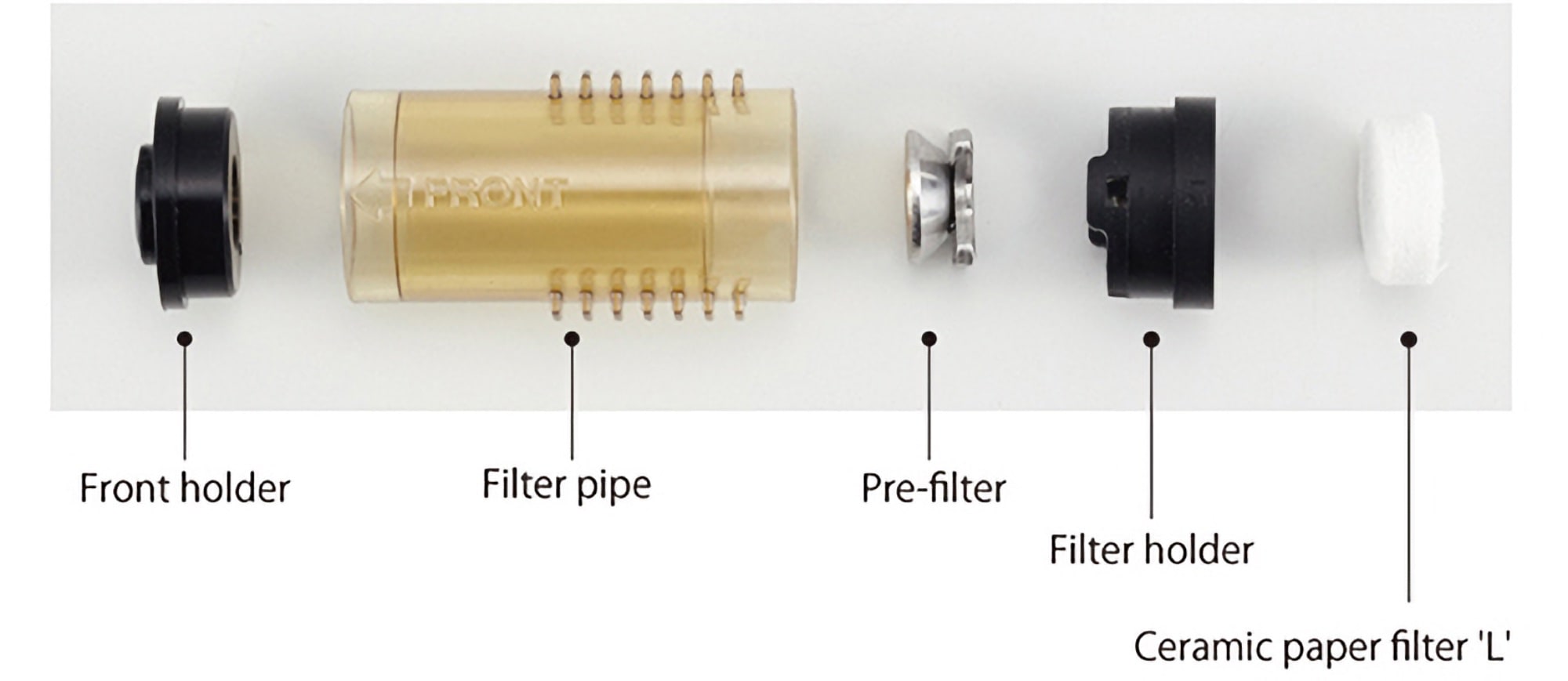
(Image of a disassembled B5185 Filter pipe assembly)
- Long-nose pliers
- Alcohol
- Waste cloth
Replacement parts
Check the condition and replace deteriorated parts.
- Front holder
- Filter holder
- Ceramic paper filter L
⚠ The filter pipe assembly, surrounding area, and solder remaining inside are extremely heated.
Ensure the unit is powered off and that it has cooled down enough before replacement work.
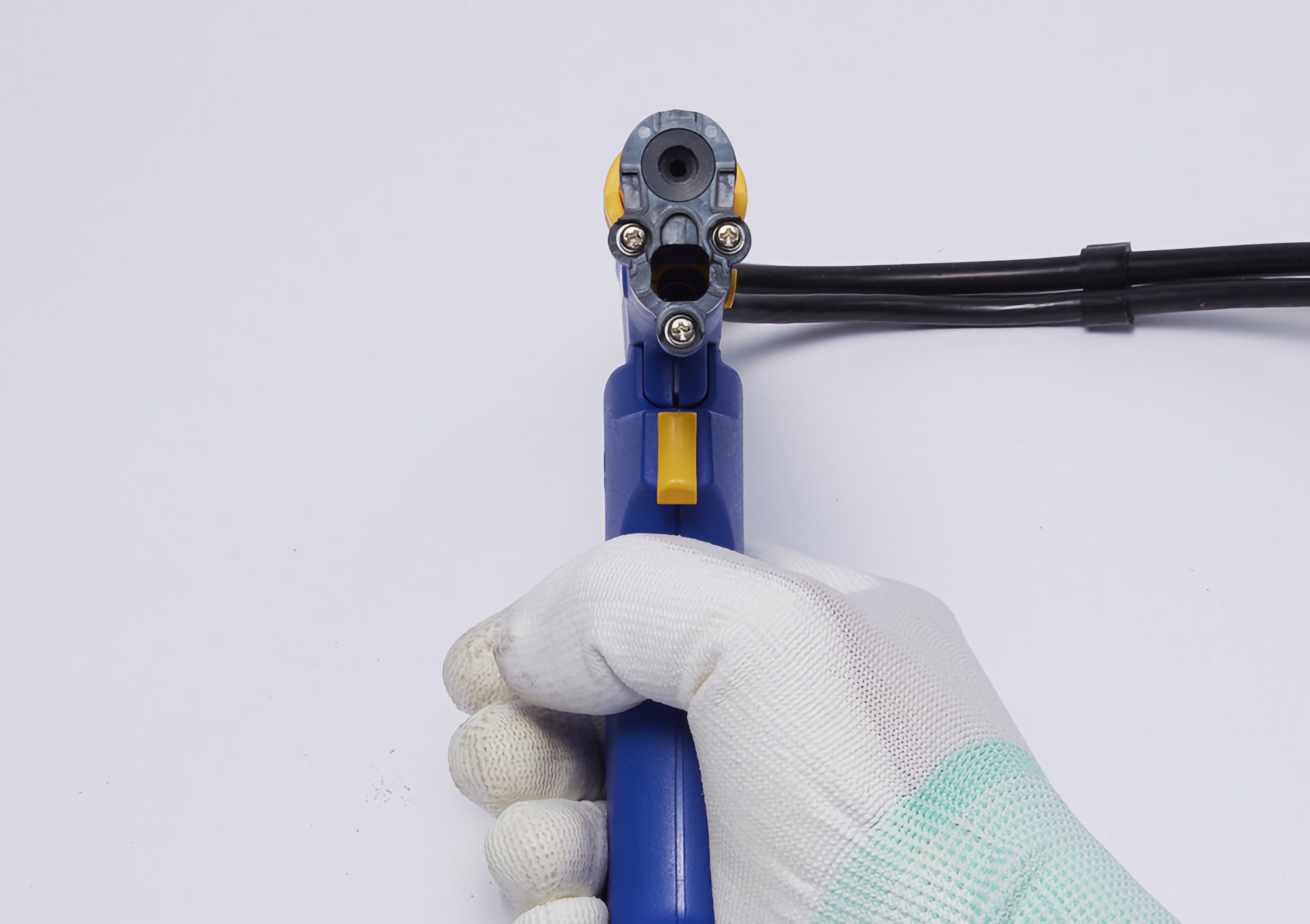
1. Pull down the release knob.
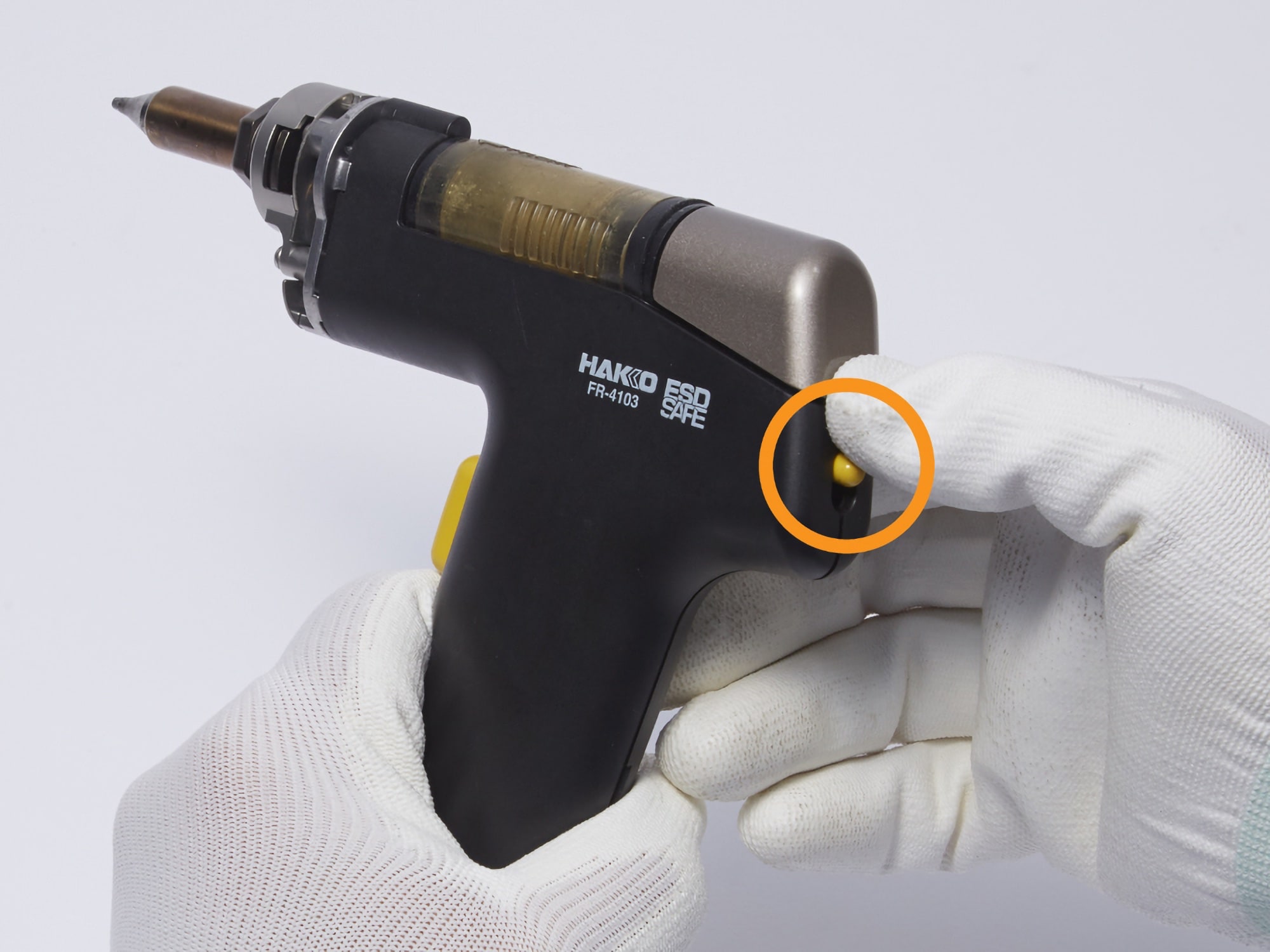
(image of an FR4103-81)
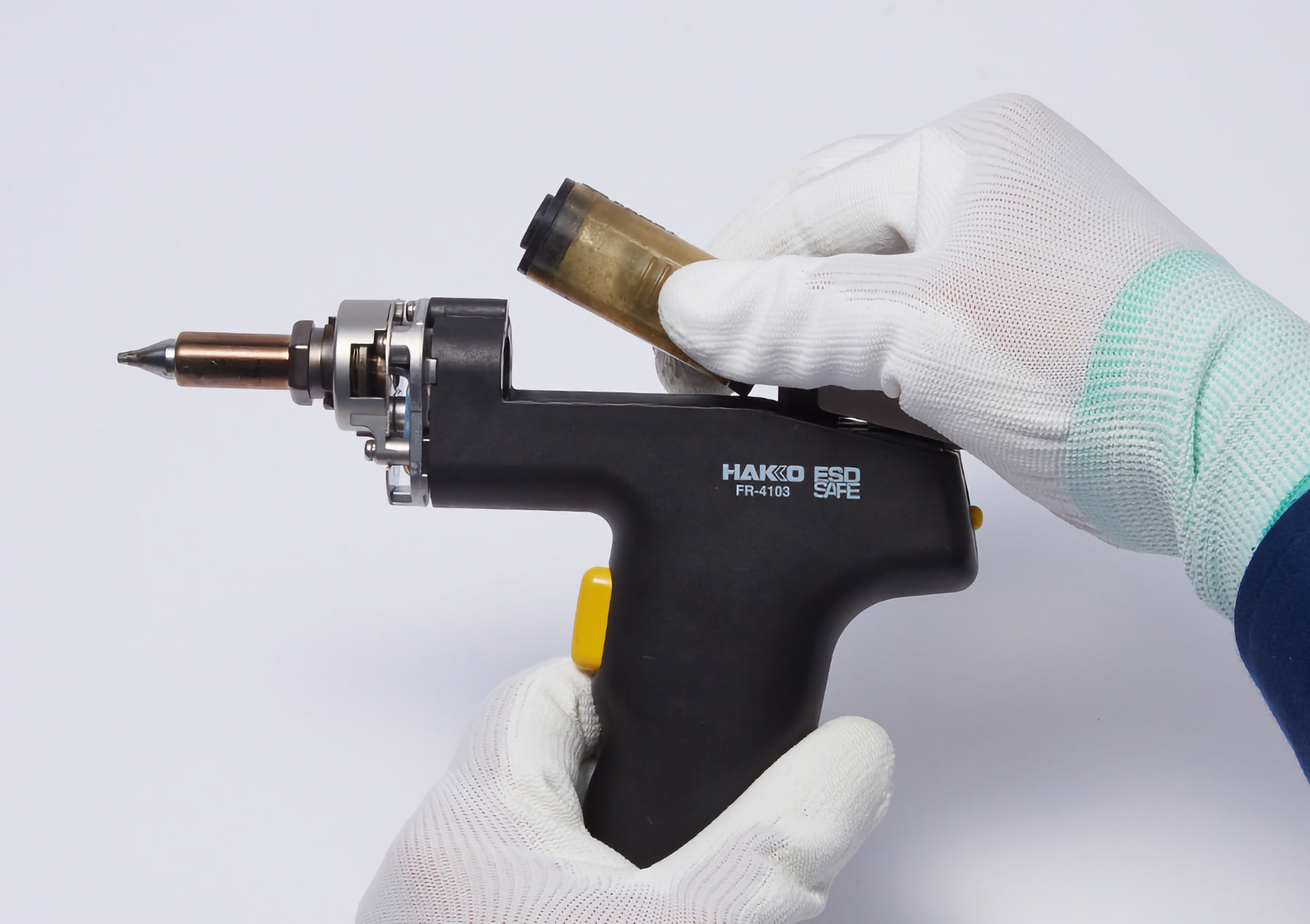
2. Remove the filter pipe assembly.

Remove the filter pipe assembly with a slight pull.
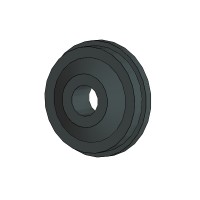
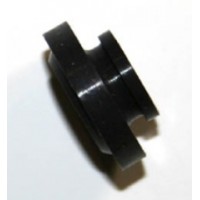
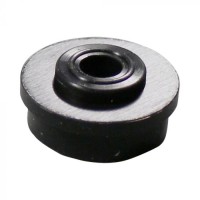
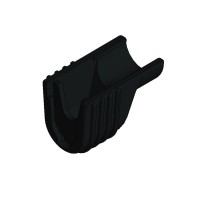
3. Check the front holder for cracks or other damage and replace if damaged.
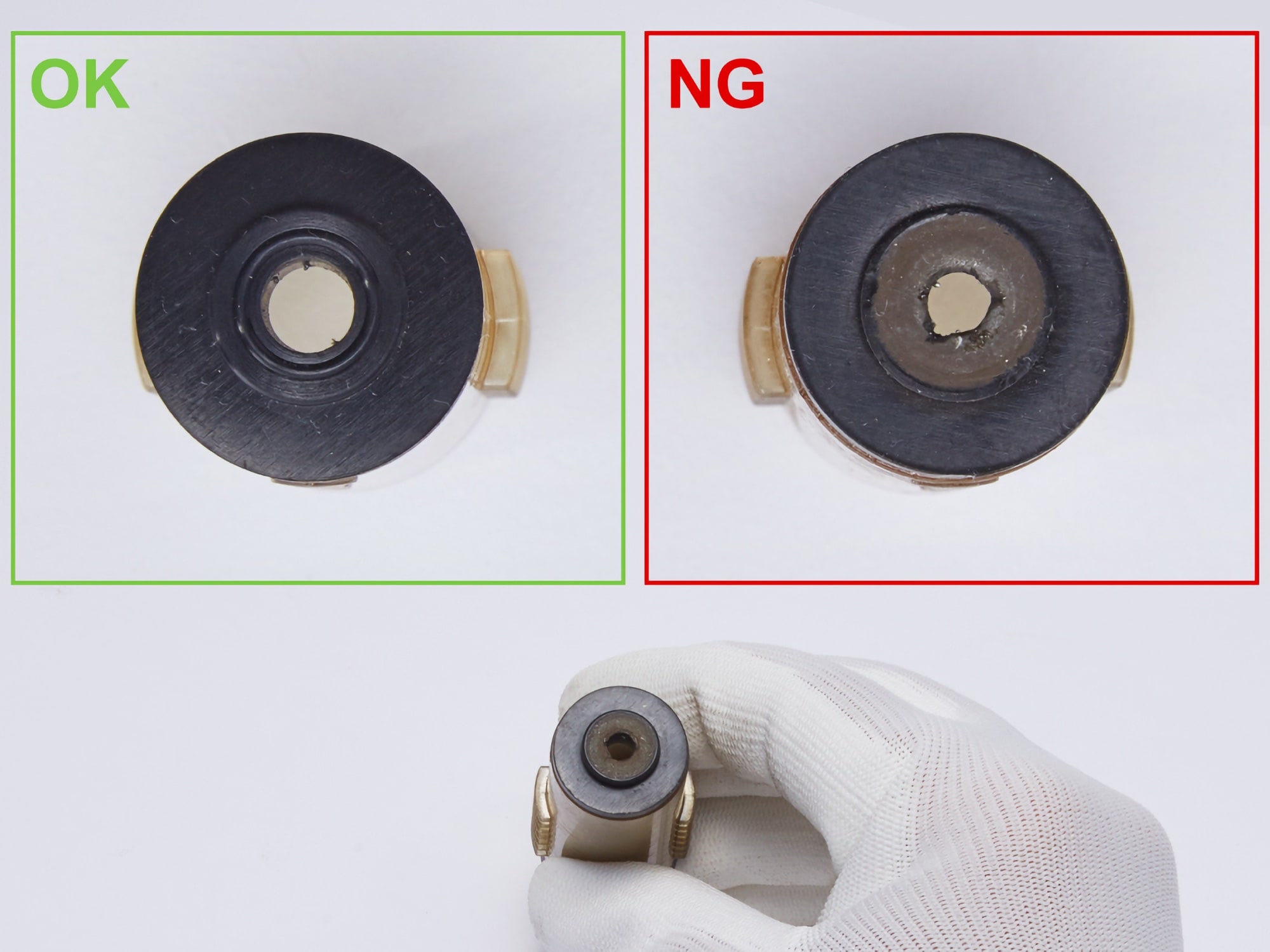
Image on the left: New front holder
Image on the right: Damaged front holder
Replace if damaged or cracked, as this can cause a reduction in suction pressure.
For handpiece FR-4003
Front holder (Part number: A5017)
For handpiece FR-301, FR-4103
Front holder (Part number: A5030)
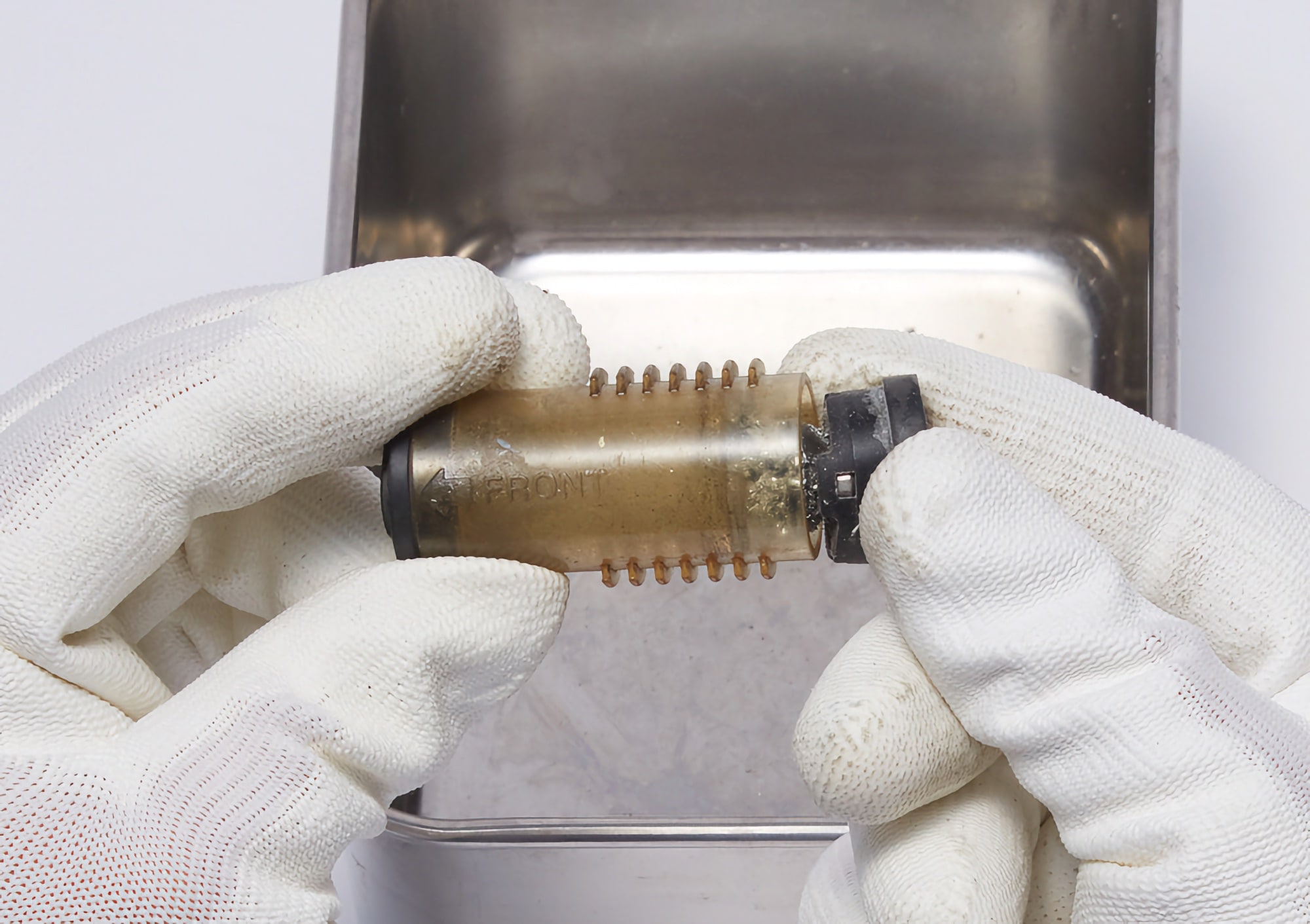
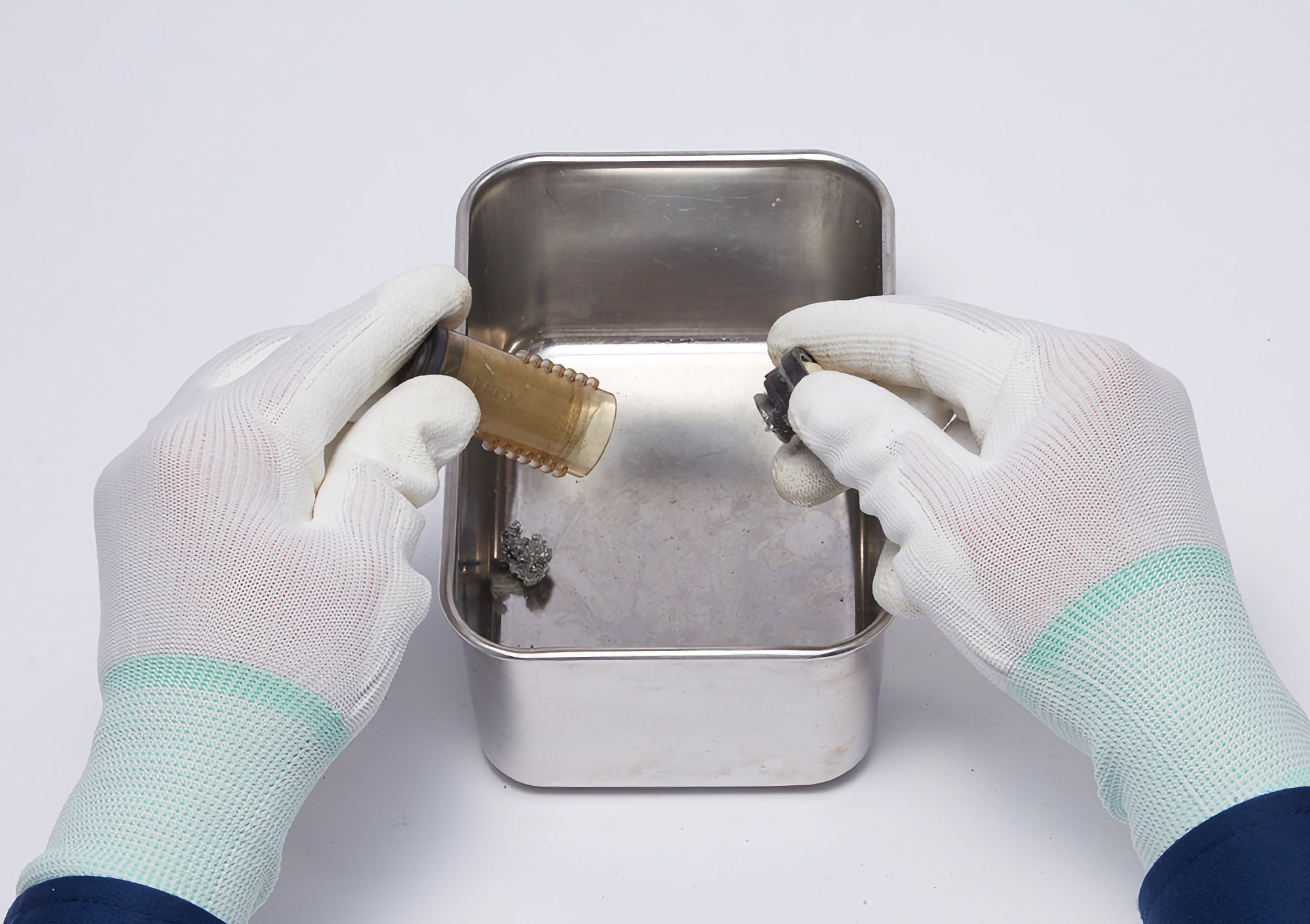
4. Detach the filter holder to remove the solder inside the filter pipe assembly.
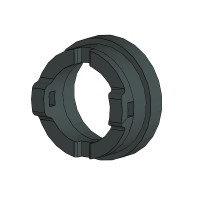
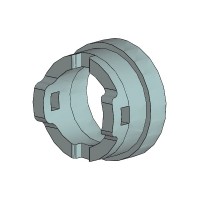
5. Check the filter holder for cracks or other damage and replace if damaged.

Damaged filter holder
Replace if damaged or cracked, as this can cause a reduction in suction pressure.
For handpiece FR-4003
Filter holder (Part number: A5018)
For handpiece FR-301, FR-4103
Filter holder (Part number: A5031)
6. Remove the pre-filter from the filter holder.

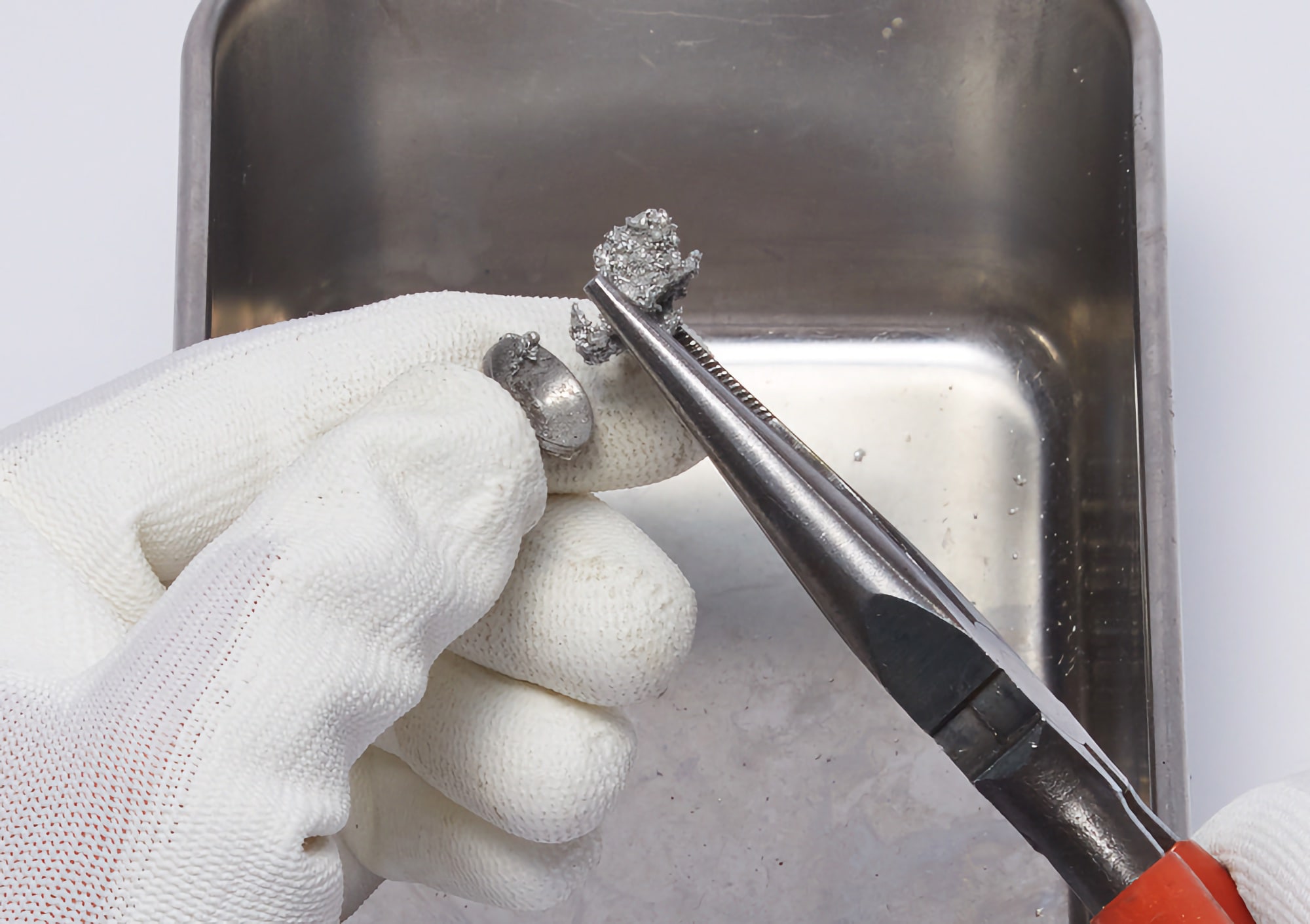
7. Remove the solder with long-nose pliers if stuck inside the pre-filter.
⚠ Remove the solder after removing the pre-filter from the filter holder not to cause damage to the filter holder.
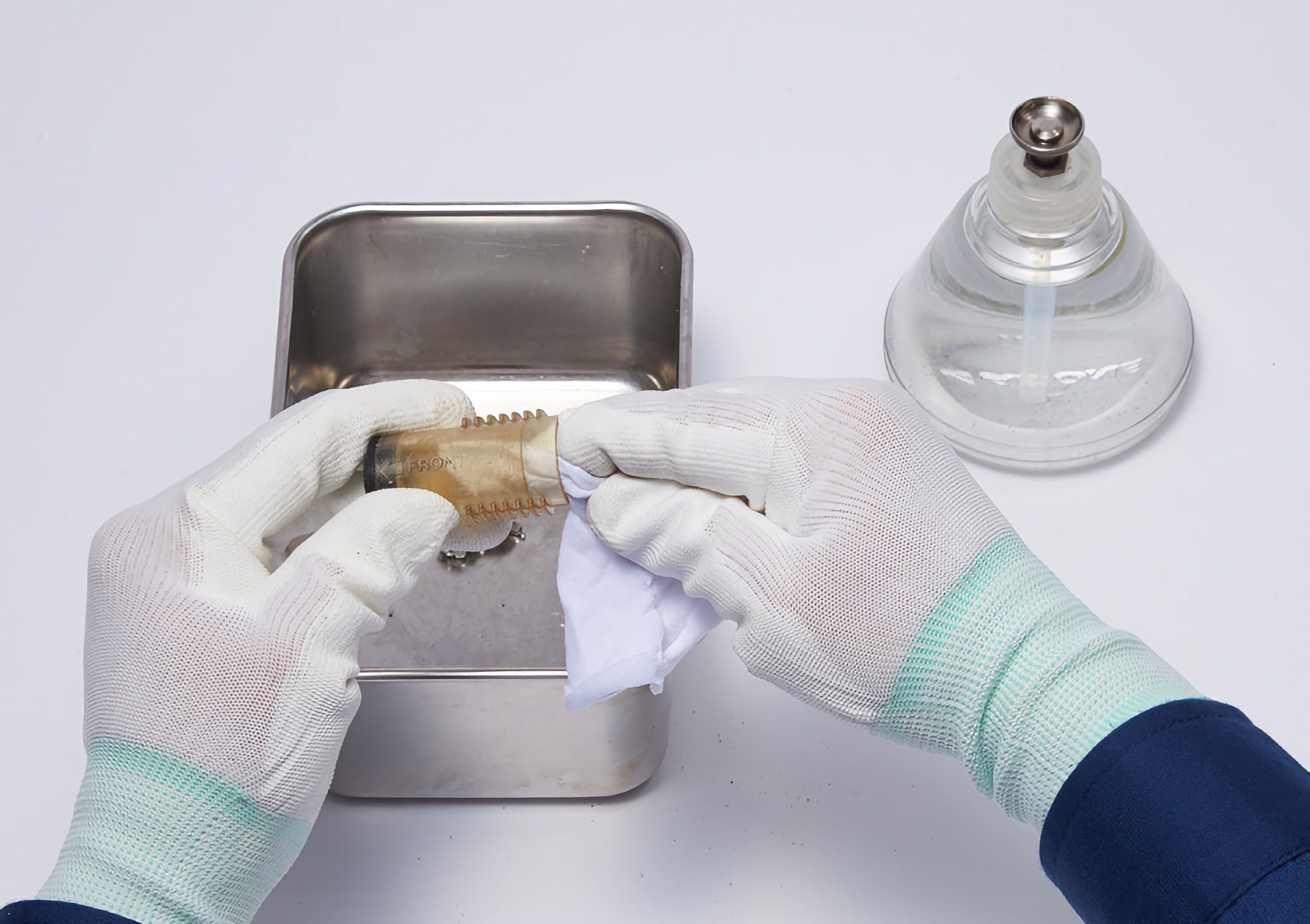
8. Check the condition of the filter pipe and wipe it with alcohol if it is dirty.
If the filter pipe is dirty, clean it with waste cloth moistened with alcohol to check whether any solder is stuck inside or not.
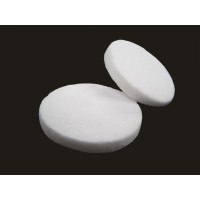
9. Check the condition of the ceramic paper filter and replace it if soaked with flux.

Image on the left: New ceramic paper filter
Image on the right: Discolored ceramic paper filter soaked with flux
When the filter is soaked with flux, it becomes discolored and hard.
For handpiece FR-4003
Ceramic paper filter (Part number: A5045)
For handpiece FR-301, FR-4103
Ceramic paper filter L (Part number: A5044)
10. Assemble the inspected filter pipe assembly and attach it to the handpiece.
Inspection of station
Replacement parts
Check the condition and replace any parts that have deteriorated.
- Ceramic paper filter for the station (Part number: A1613)
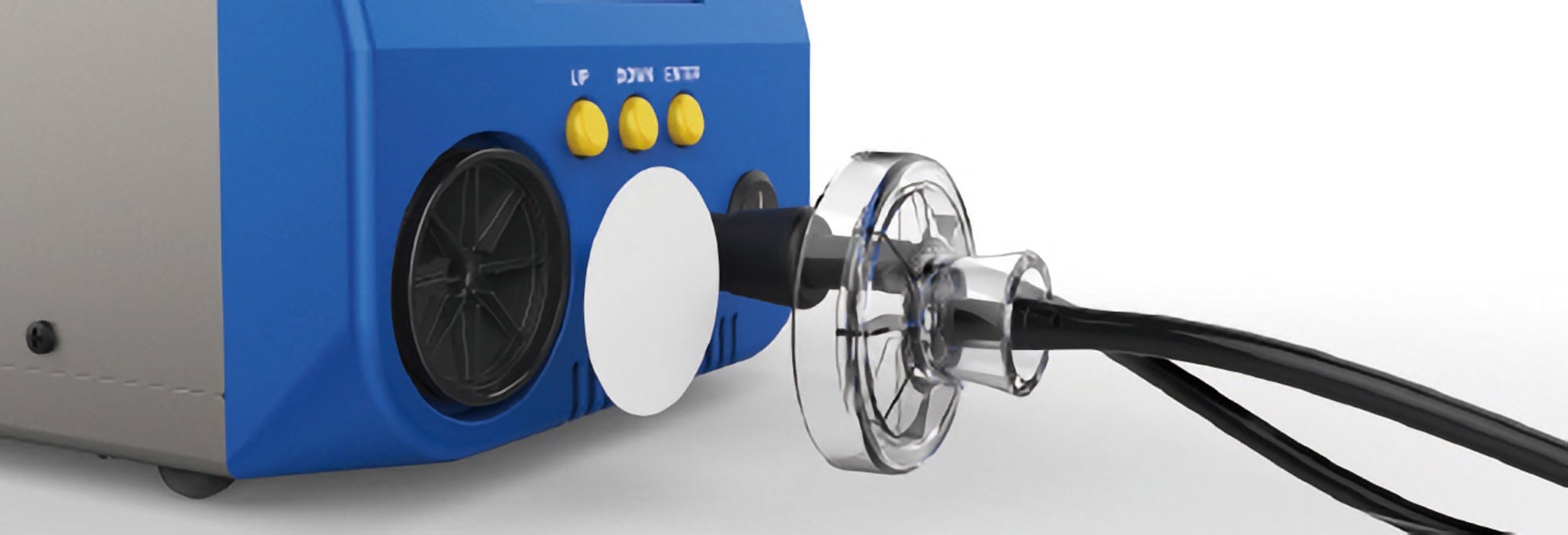
1. Remove the filter case cover and take out the ceramic paper filter.
2. Check the condition of filter and replace it if it is soaked with flux.
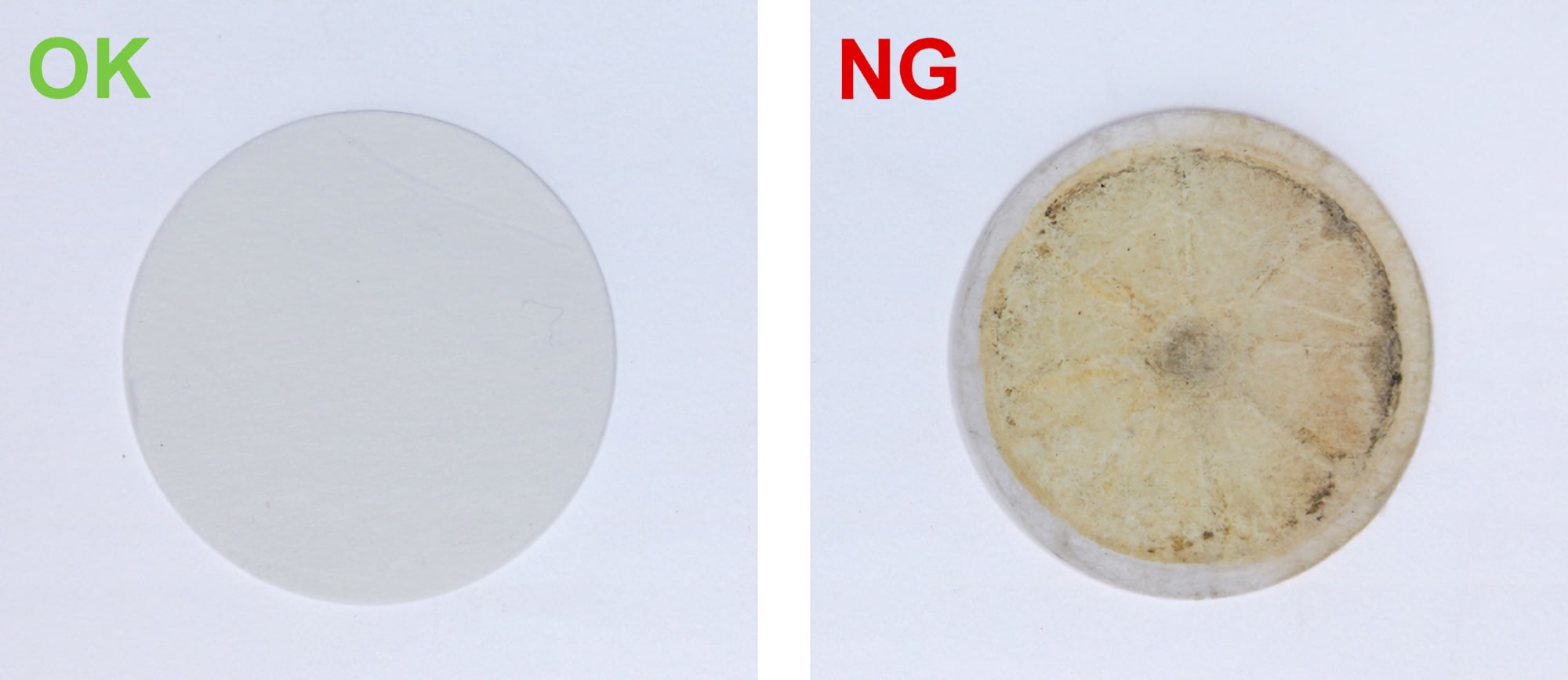
Image on the left: New filter
Image on the right: Discolored filter soaked with flux
When the filter is soaked with flux, it becomes discolored and hard.
How to maintain a handpiece FM-2024
Inspection of a filter pipe assembly
- Nozzle remover (Part number: B2876)
Replacement parts
Check the condition and replace any parts that have deteriorated.
- Front holder (Part number: A1512)
- Filter pipe assembly (Part number: A1612)
⚠ The filter pipe assembly, surrounding area, and solder remaining inside are extremely heated.
Ensure the unit is powered off and that it has cooled down enough before replacement work.
1. Insert nozzle remover into the nozzle cartridge.
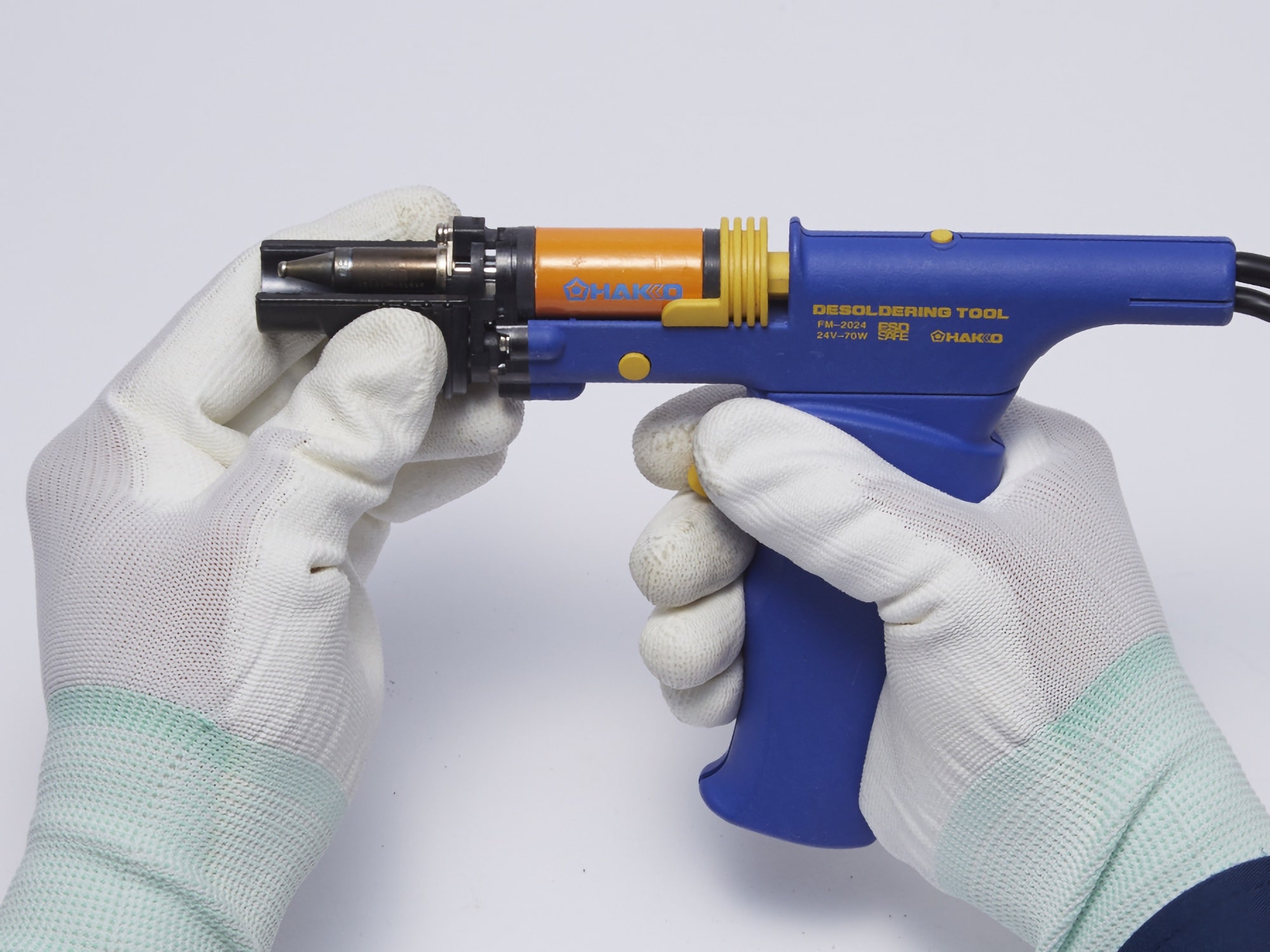
2. Remove the nozzle.
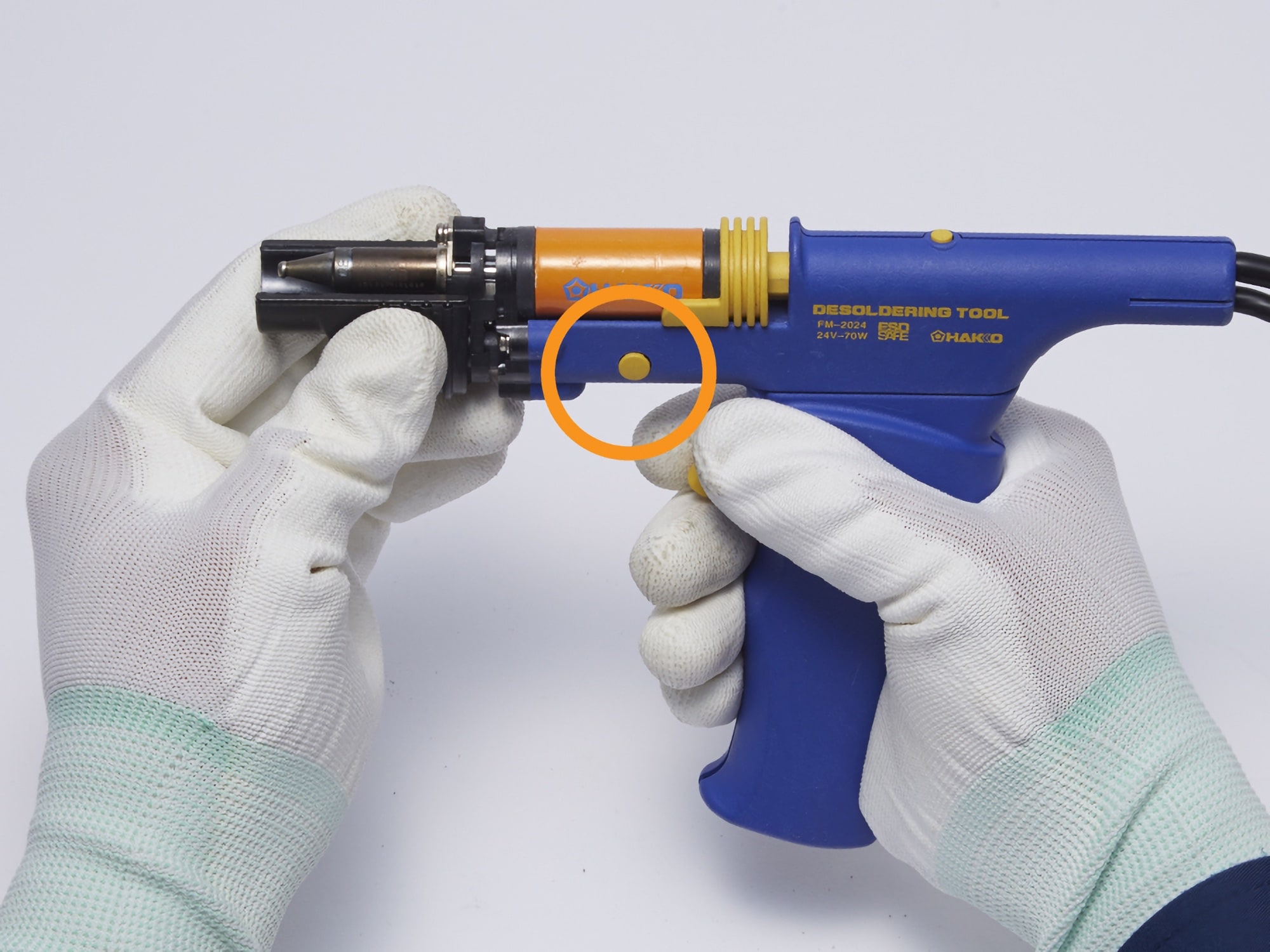
Remove the nozzle while pressing the nozzle lock release button.
3. Check the front holder for cracks or other damage and replace if damaged.
Replace if damaged or cracked, as this can cause a reduction in suction pressure.
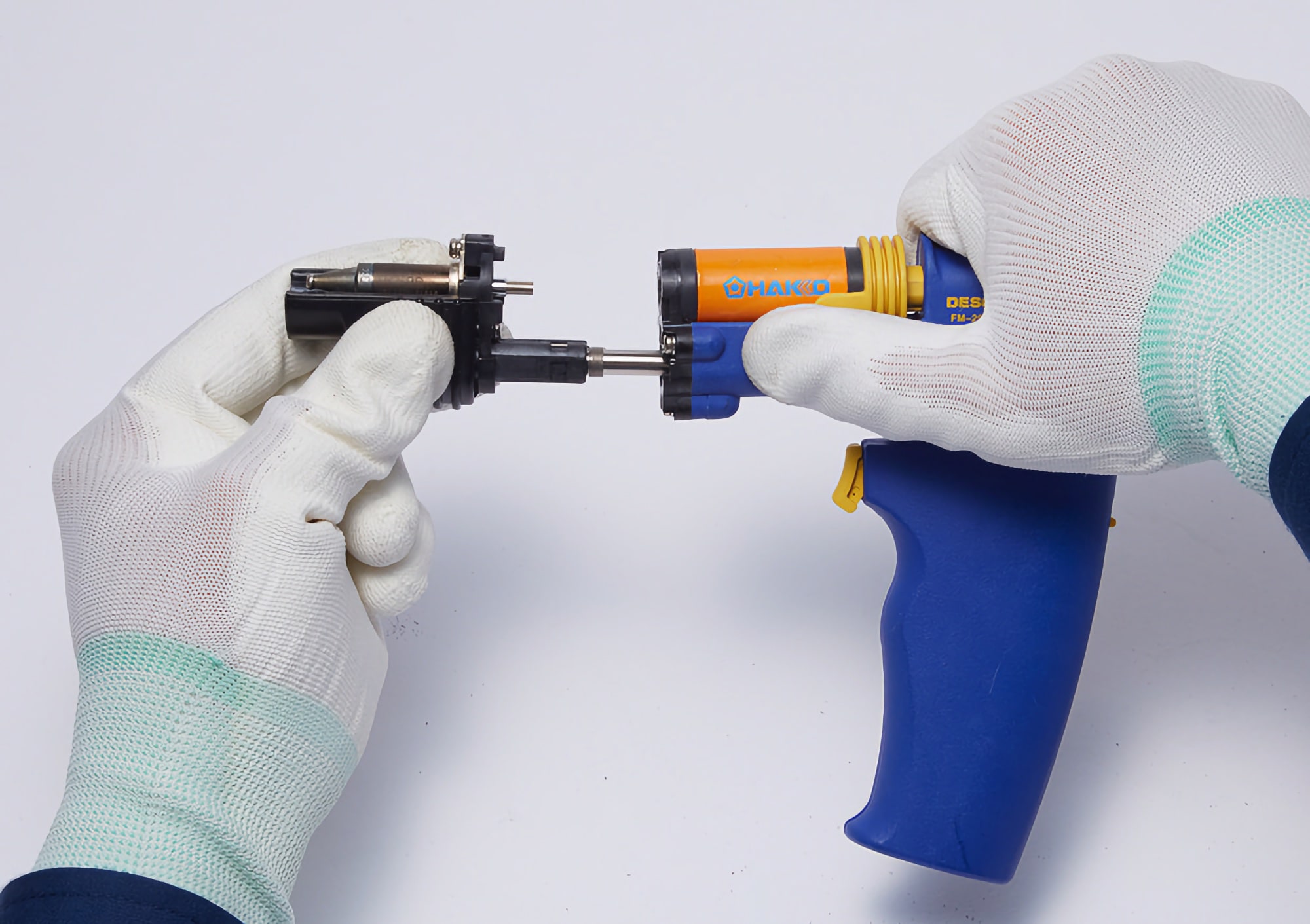
4. Remove the filter pipe assembly.
Remove the filter pipe assembly with a slight pull.
5. Check the condition of the filter pipe assembly and replace it if damaged.

Inside of the filter pipe assembly was occupied over 70% by solder collected.

When the filter is soaked with flux, it becomes discolored and hard.
6. Attach the inspected filter pipe assembly to the handpiece.

Inspection of station
Replacement parts
Check the condition and replace any parts that have deteriorated.
- Ceramic paper filter for the station (Part number: A1613)
1. Remove the filter case cover and take out the ceramic paper filter.

(image of an FM-204)
2. Check the condition of ceramic paper filter and replace it if it is soaked with flux.

Image on the left: New ceramic paper filter
Image on the right: Discolored ceramic paper filter soaked with flux
When the filter is soaked with flux, it becomes discolored and hard.


















Leave a Comment