InfiniiVision 3000G X-Series Oscilloscopes
Product Overview
The InfiniiVision 3000G X-Series oscilloscopes with bandwidth models ranging from 100 MHz up to 1 GHz offer high-end technology in a small form factor. With an intuitive touch user-interface, industry-leading waveform update rate, zone trigger, and 8 new standard features, you can capture and isolate elusive glitches and anomalies not possible on other oscilloscopes.
InfiniiVision 3000G X-Series: The Best in Usability Deserves the Best Features
Meet the new generation of Keysight’s industry leading InfiniiVision X-Series oscilloscopes. With the best in usability, a comprehensive front panel with quick access buttons, easy-to-use touch operation or mouse-based control through direct connection or web-based UI, the InfiniiVision 3000G X-Series oscilloscope enables you to work in whatever way is best for you.
Keysight’s InfiniiVision 3000G X-Series oscilloscope come in 2-channel models, 4-channel models, and mixed signal oscilloscope (MSO) models with bandwidths ranging from 100 MHz up to 1 GHz.
All models are enhanced with standard features that you would typically expect to pay extra for including:
• Powerful triggering and decoding serial buses including I2C, SPI, UART/RS232/RS485, I2S, and USB-PD
• High performance mask and measurement limit testing enabled in hardware
• Frequency response analysis (Bode plots)
• Waveform & measurement histograms
• Built-in function/arbitrary waveform generator
• HDTV video analysis
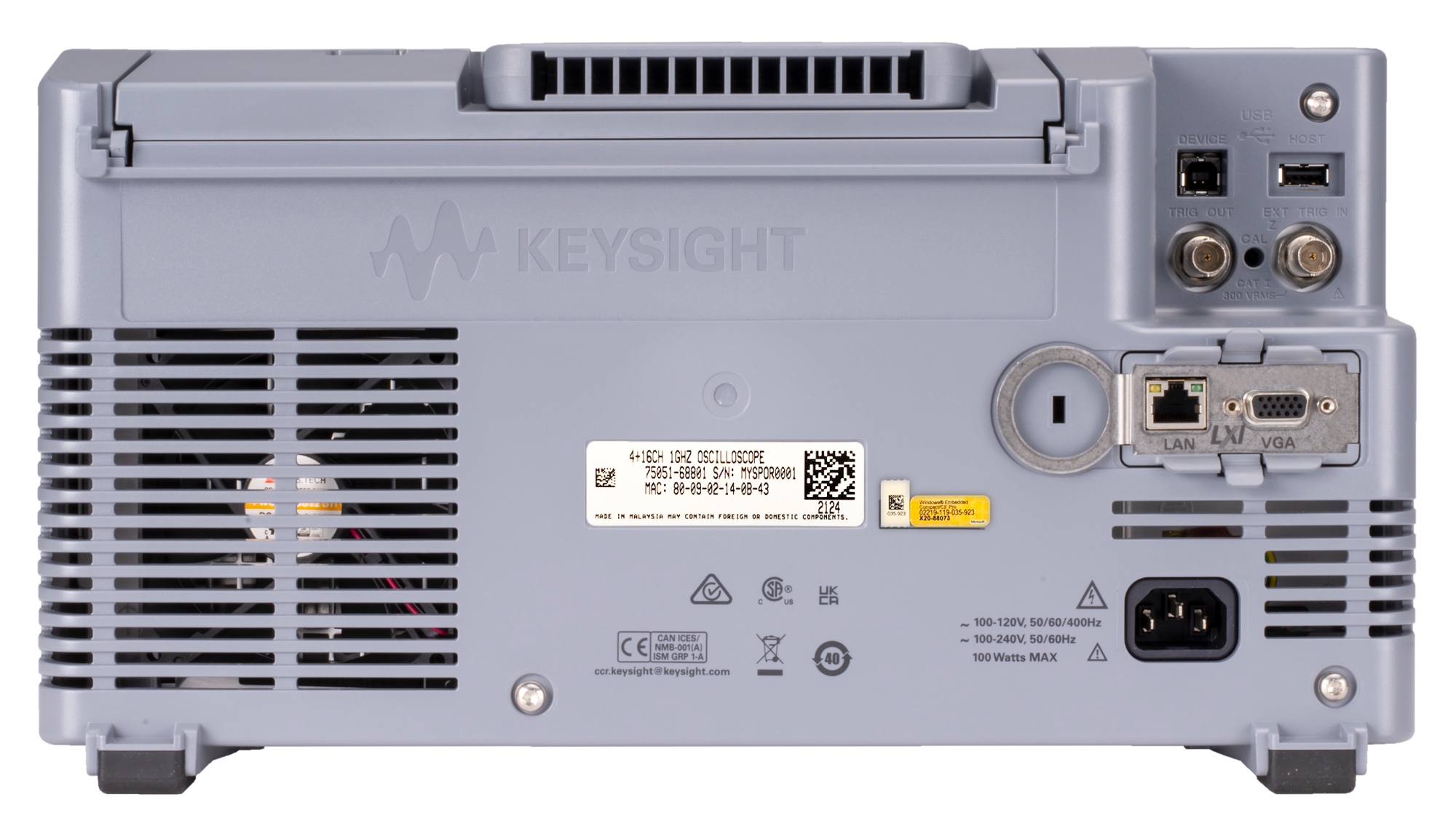
• LAN/VGA I/O communication
• PathWave BenchVue Oscilloscope software for control, automation, and offline analysis

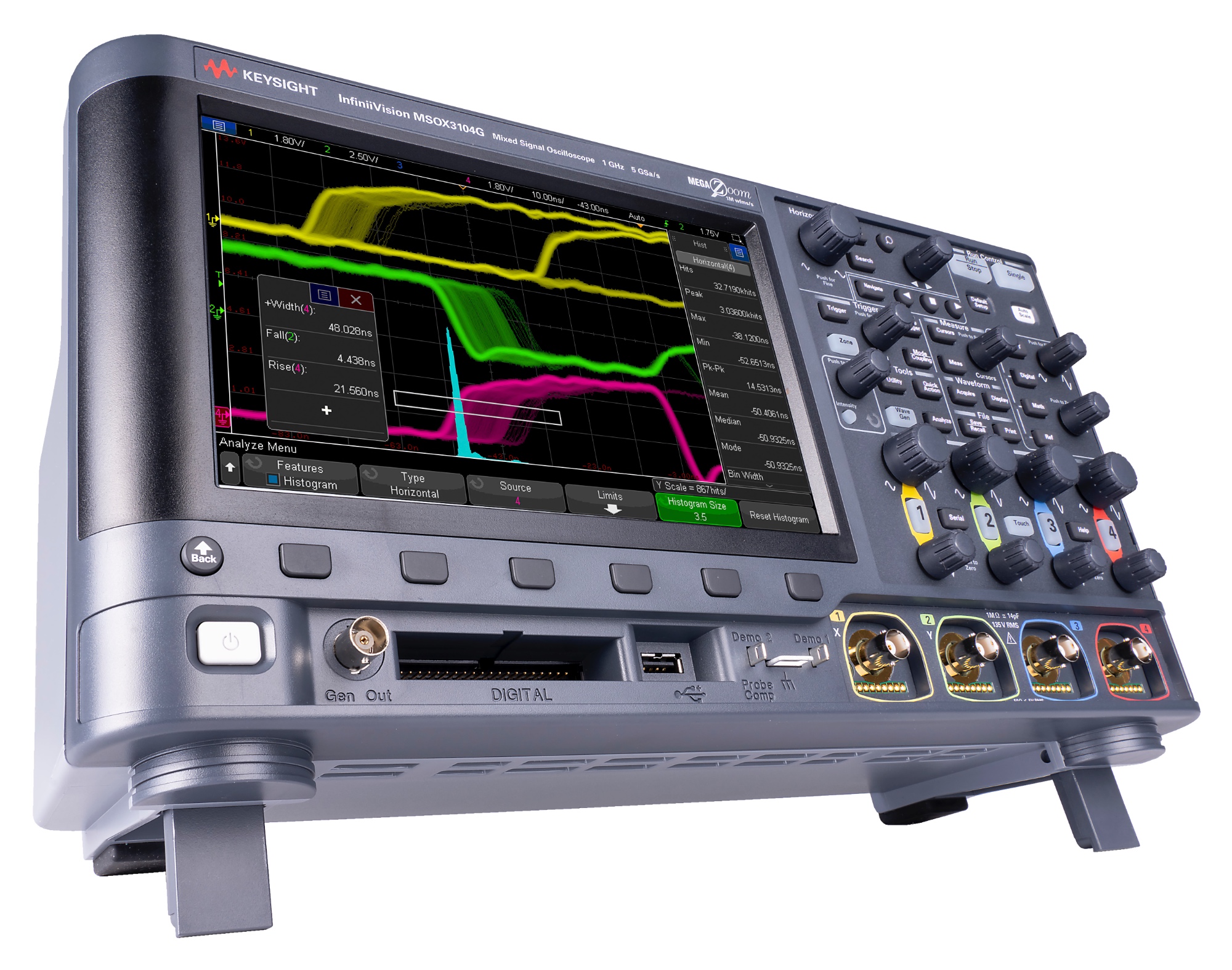
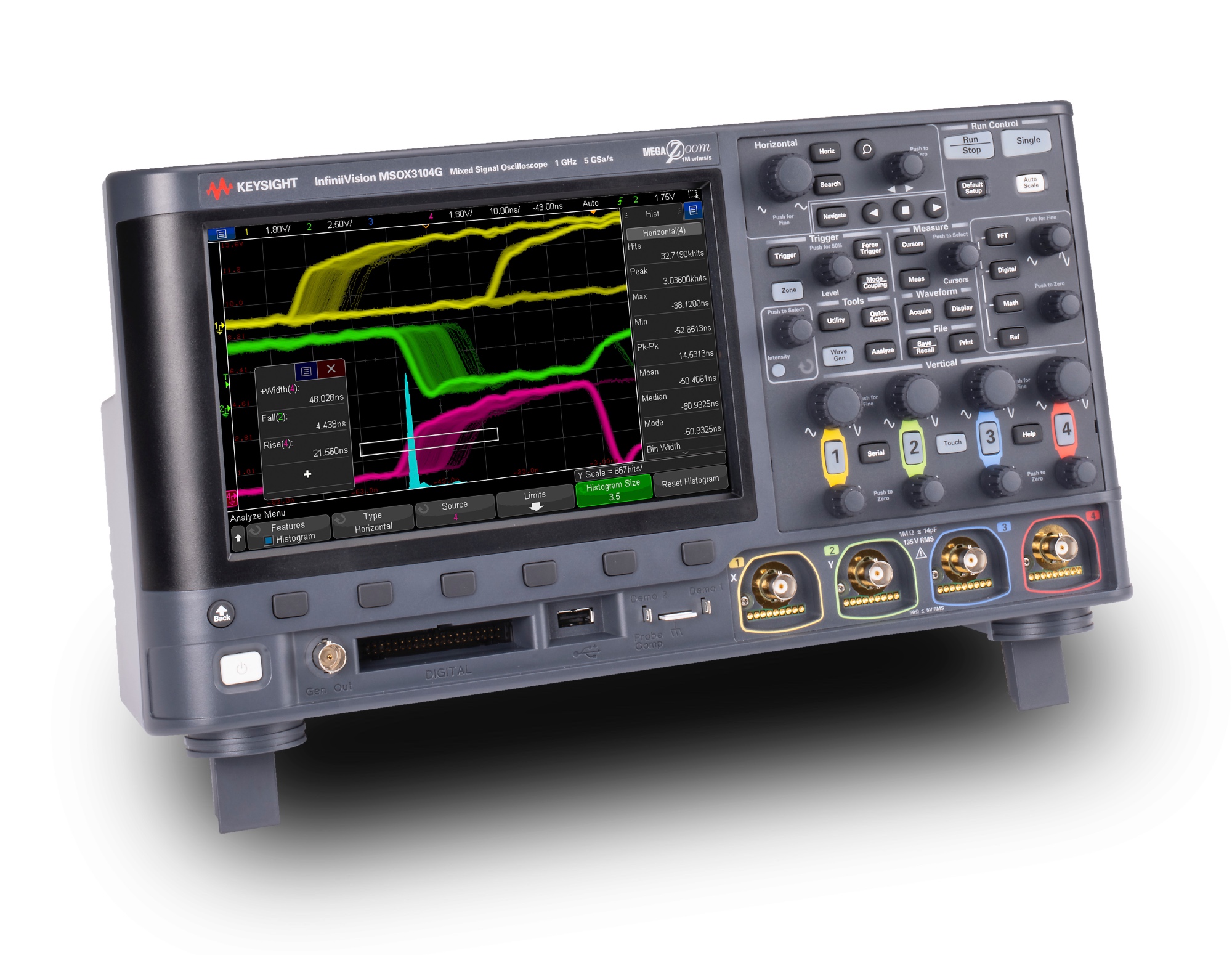
Figure 1. InfiniiVision 3000G X-Series with MegaZoom IV smart memory technology
Touch, Discover, Solve
The InfiniiVision 3000G X-Series oscilloscopes have a capacitive touch screen user-interface that was designed for touch operation. Also included is hardware-based zone triggering combined with an industry-leading uncompromised update rate of 1 million waveform per second to give you the confidence that you’re seeing all of your signal detail and the ability to discover any issues.
The InfiniiVision 3000G X-Series redefines what you can expect in a general-purpose oscilloscope by providing all the performance and capability you need to get to measurement insights faster:
Touch:
• 8.5-inch capacitive touch screen
• Designed-for-touch interface
Discover:
• Industry’s fastest uncompromised waveform update rate
• Zone trigger
Solve:
• Wide range of serial decodes
• 7-in-1 instrument integration
• Time/frequency domain correlation
Touch: Designed-for-touch operation to simplify use
From the start of product development, we designed every aspect of this oscilloscope to be seamlessly driven by a touch interface. Large, easy-to-touch targets, a graphical user interface that adapts to show you more and be easier to touch, and a large, sensitive, capacitive touch screen all combine to make operation quick and natural, just like your favorite tablet devices.
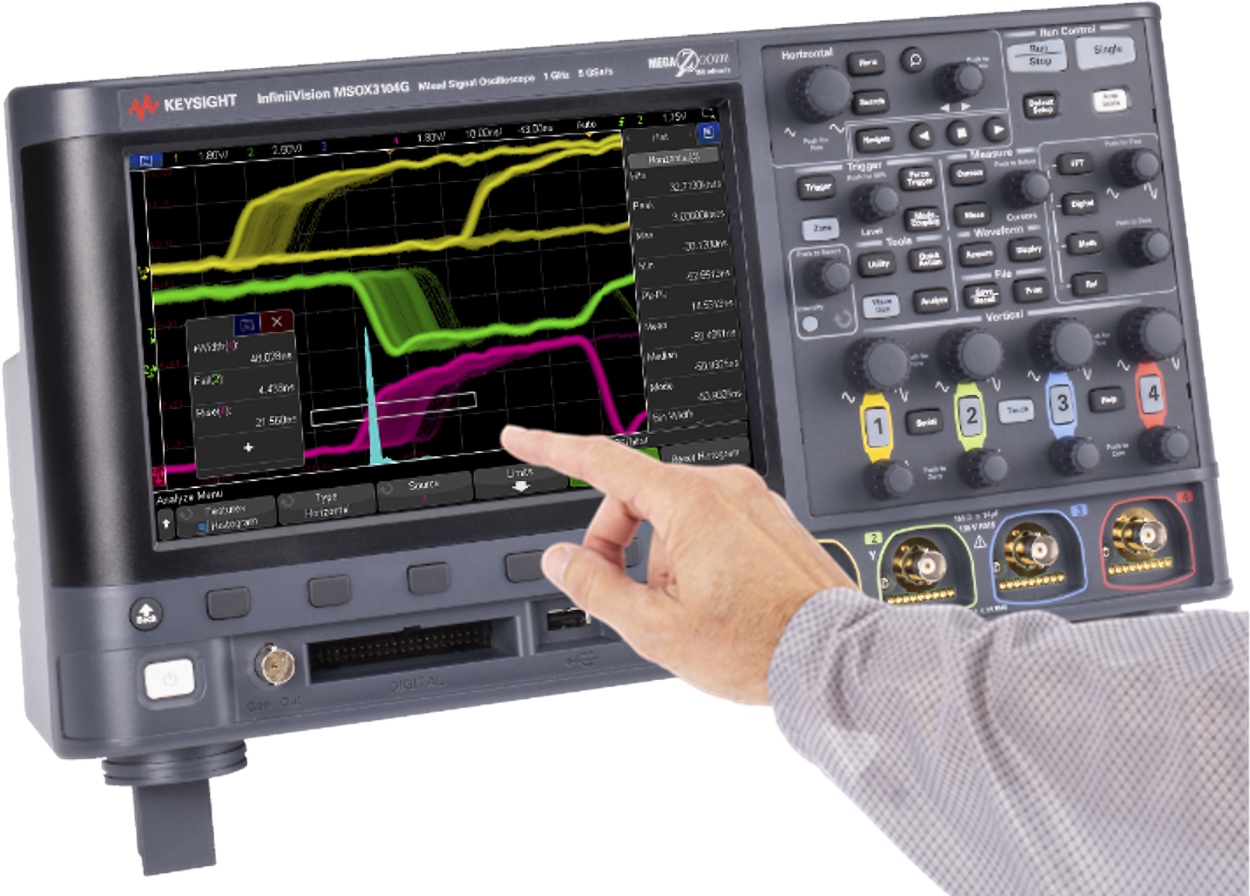
Figure 2. An 8.5” capacitive touch display with large, touchable targets.
Capacitive touch screen technology enables productivity
The user interface allows you to use the alphanumeric pad for quick annotation, place waveforms or cursors in exact positions and drag docking panels across the screen to see more measurement information.
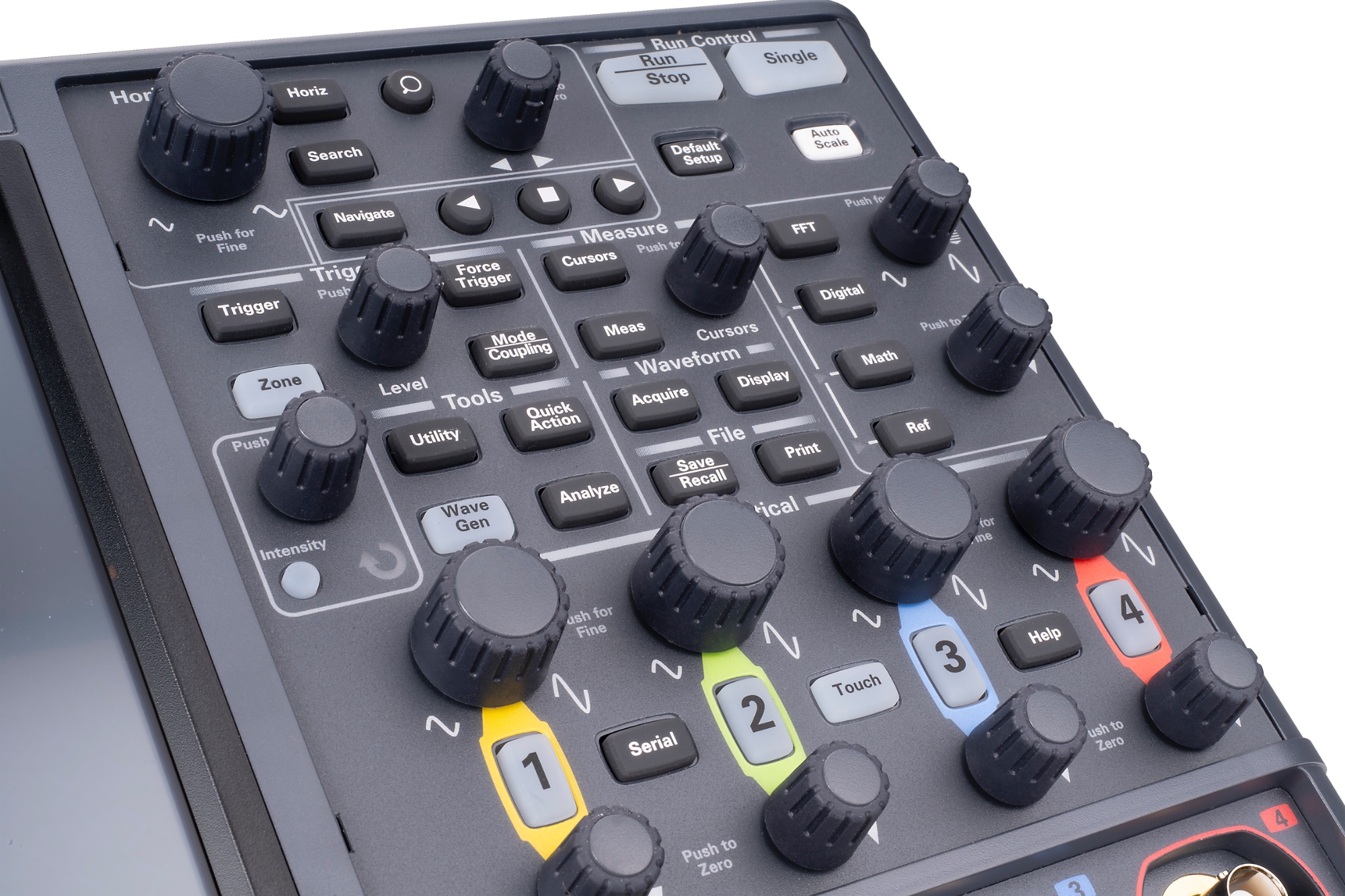
The InfiniiVision 3000G X-Series offers three ways to access key menus and features: touch GUI for those that prefer tablet or smart phone touch interfaces, front panel buttons and knobs for the traditional oscilloscope users, and Keysight Insight pull down menu for users who prefer Windows-like operations. The 3000G X-Series also offers a “touch off” button as well as USB mouse and keyboard support.
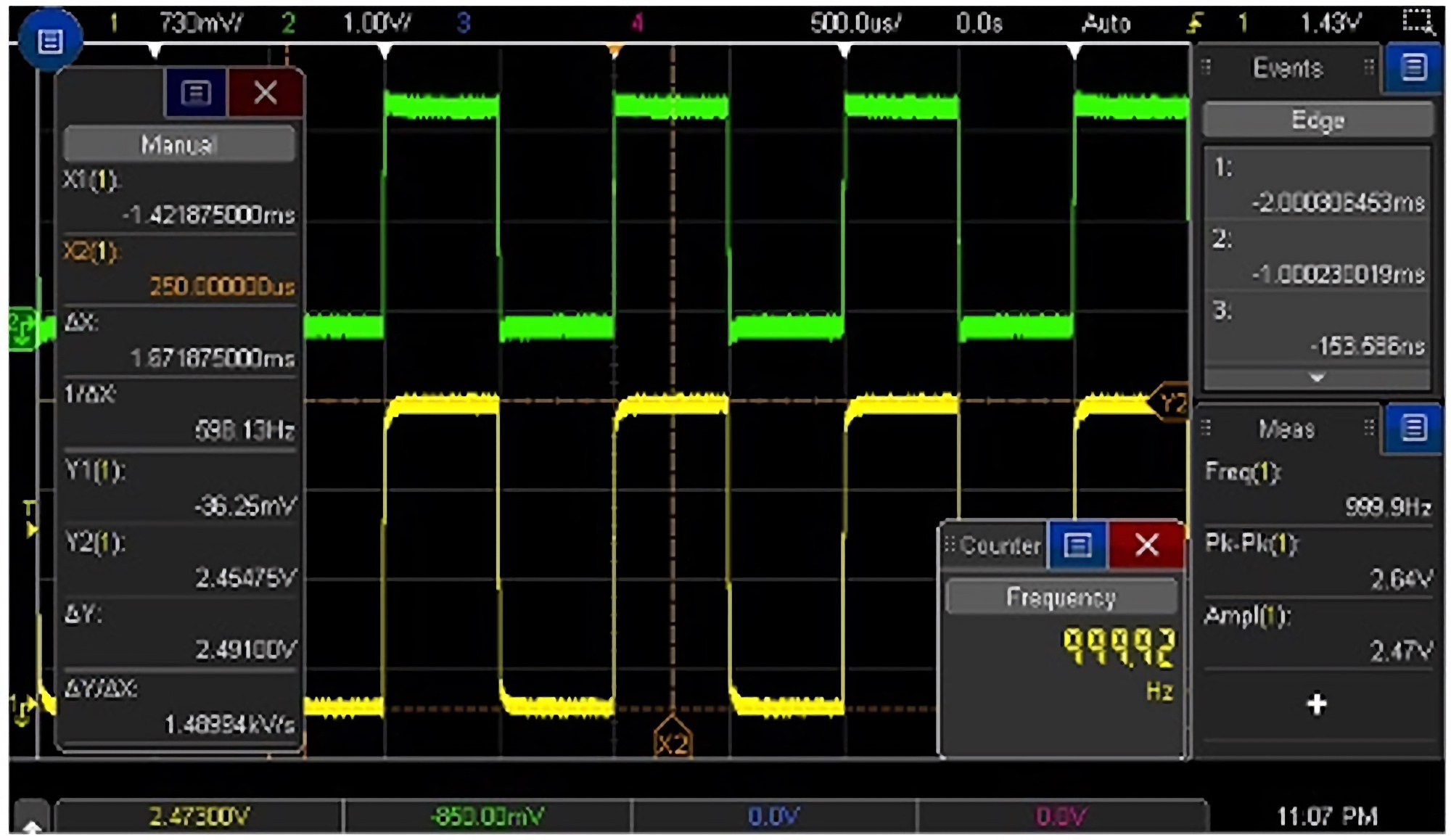
Figure 3. Side bar with movable docks allows information to be placed on the screen precisely where you want it for documentation.
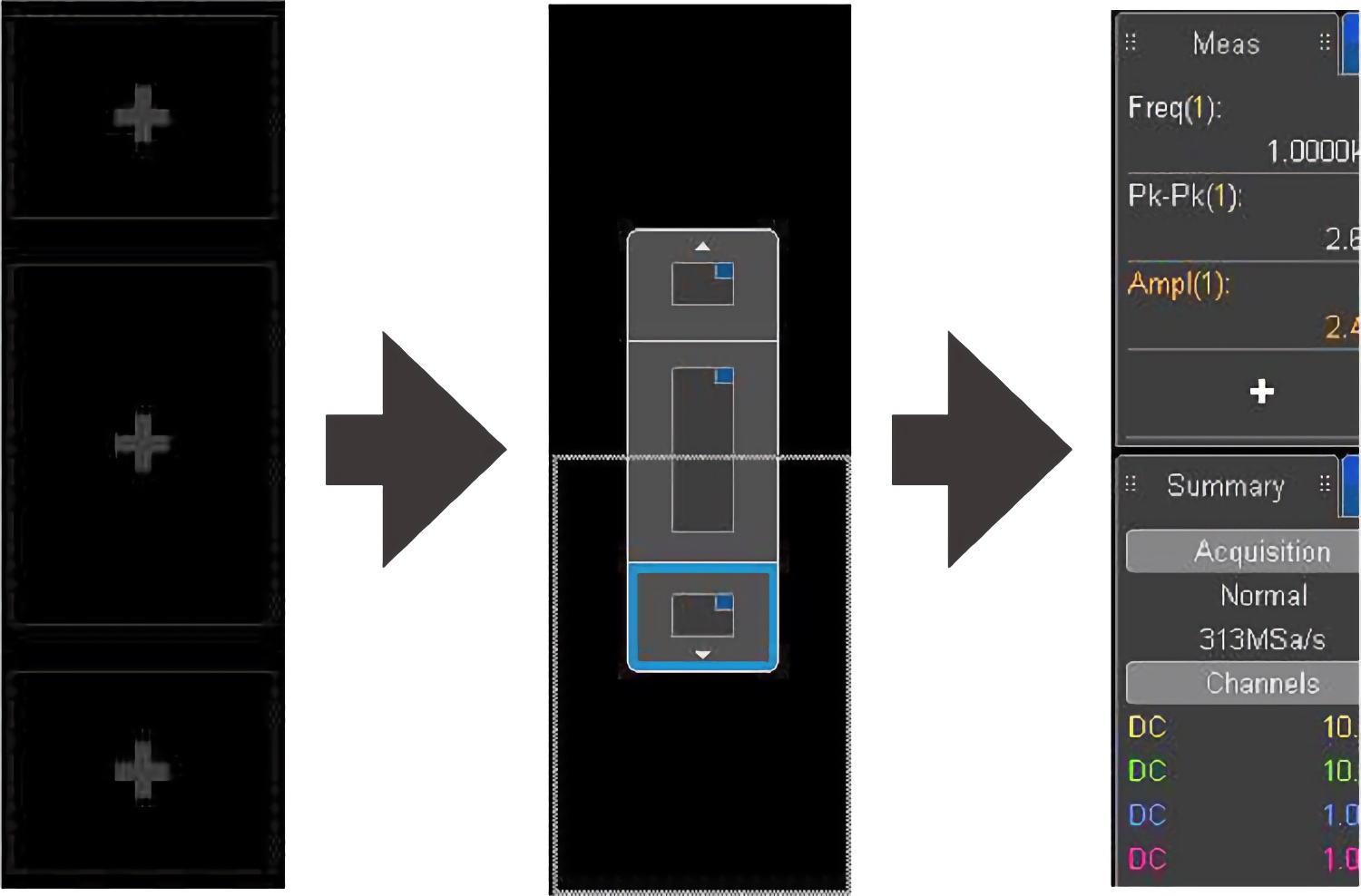
Figure 4. A dock-able sidebar allows you to customize how you view your measurements.
Touch interface simplifies documentation
The availability of up to 10 annotations on screen makes it easy to highlight key items on screen shots. Streamline documentation with the ability to input information via a pop-up soft keyboard on the touch screen or a USB keyboard. A sidebar displays additional information without covering the waveform graticule and allows you to dock and scroll through multiple measurement values. Touch gestures (like flicking) make navigating lists or moving between segment waveforms easy.
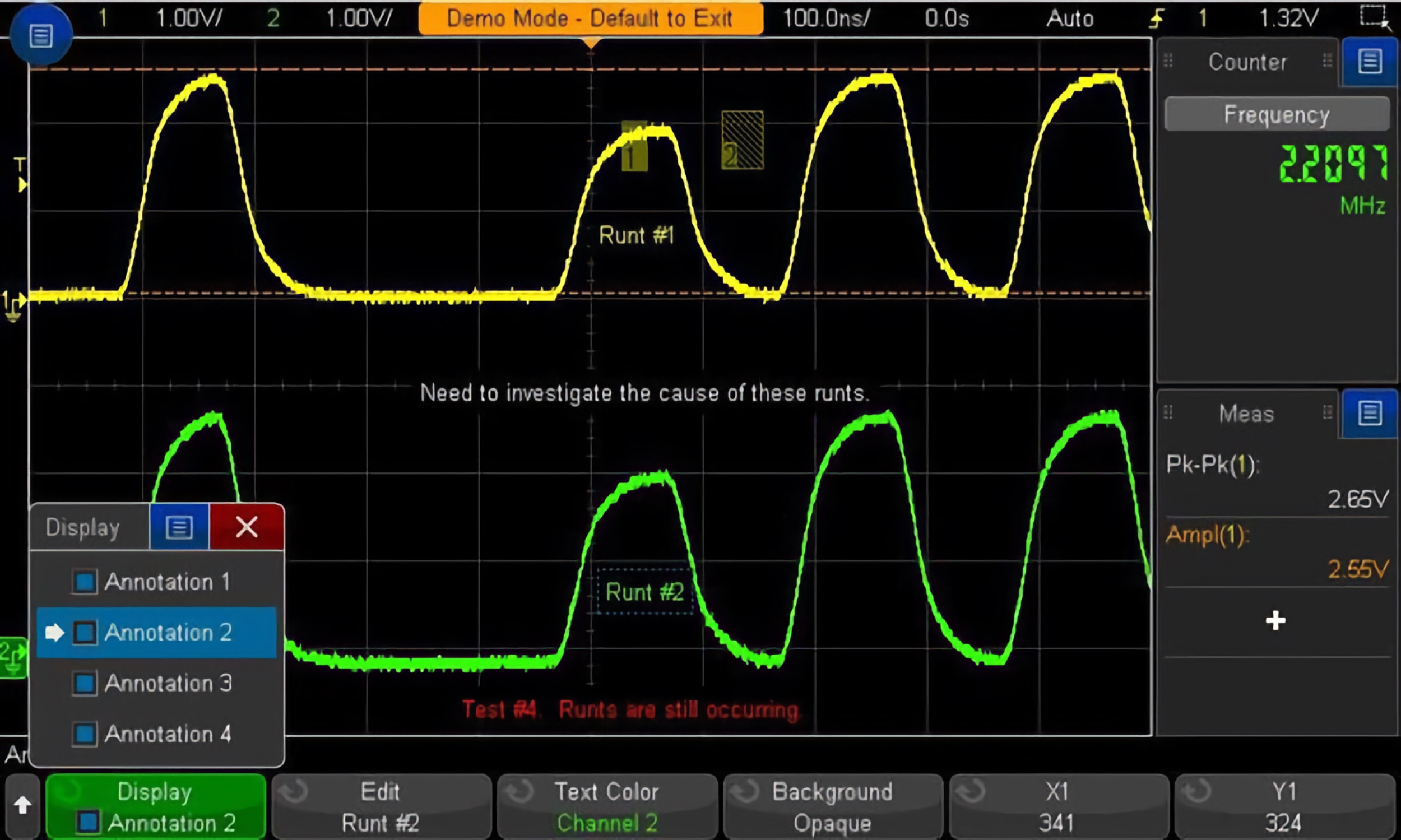
Figure 5. See up to ten annotations on screen at once for documentation. The standard touch screen makes inputting notes simple.
In addition to the benefits of touch, built-in USB host and USB device ports, as well as a LAN port, make PC connectivity easy. The BV0004B oscilloscope control and PC-based software (standard with the purchase of each InfiniiVision X-Series oscilloscope) lets you control and visualize the InfiniiVision 3000G X-Series and multiple measurements simultaneously. It lets you build automated test sequences just as easily as you can with the front panel. Save time with the ability to export measurement data to Excel, Word and MATLAB in three clicks. Monitor and control your 3000G X-Series oscilloscope with a mobile device from anywhere. Simplify your testing with BenchVue software.
Learn more at www.keysight.com/find/BenchVue
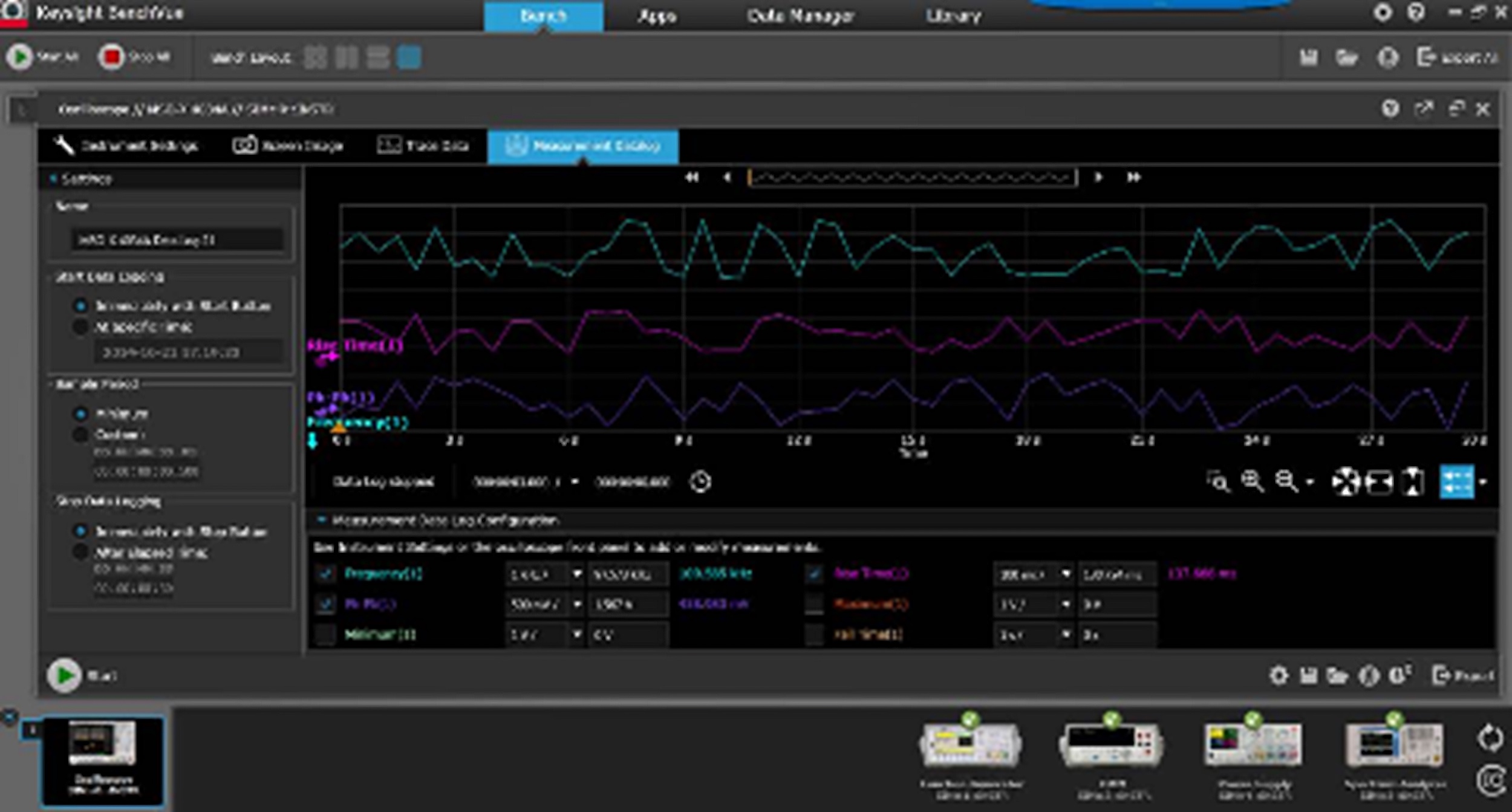
Figure 6. Use BenchVue for remotely logging and plotting measurement data.
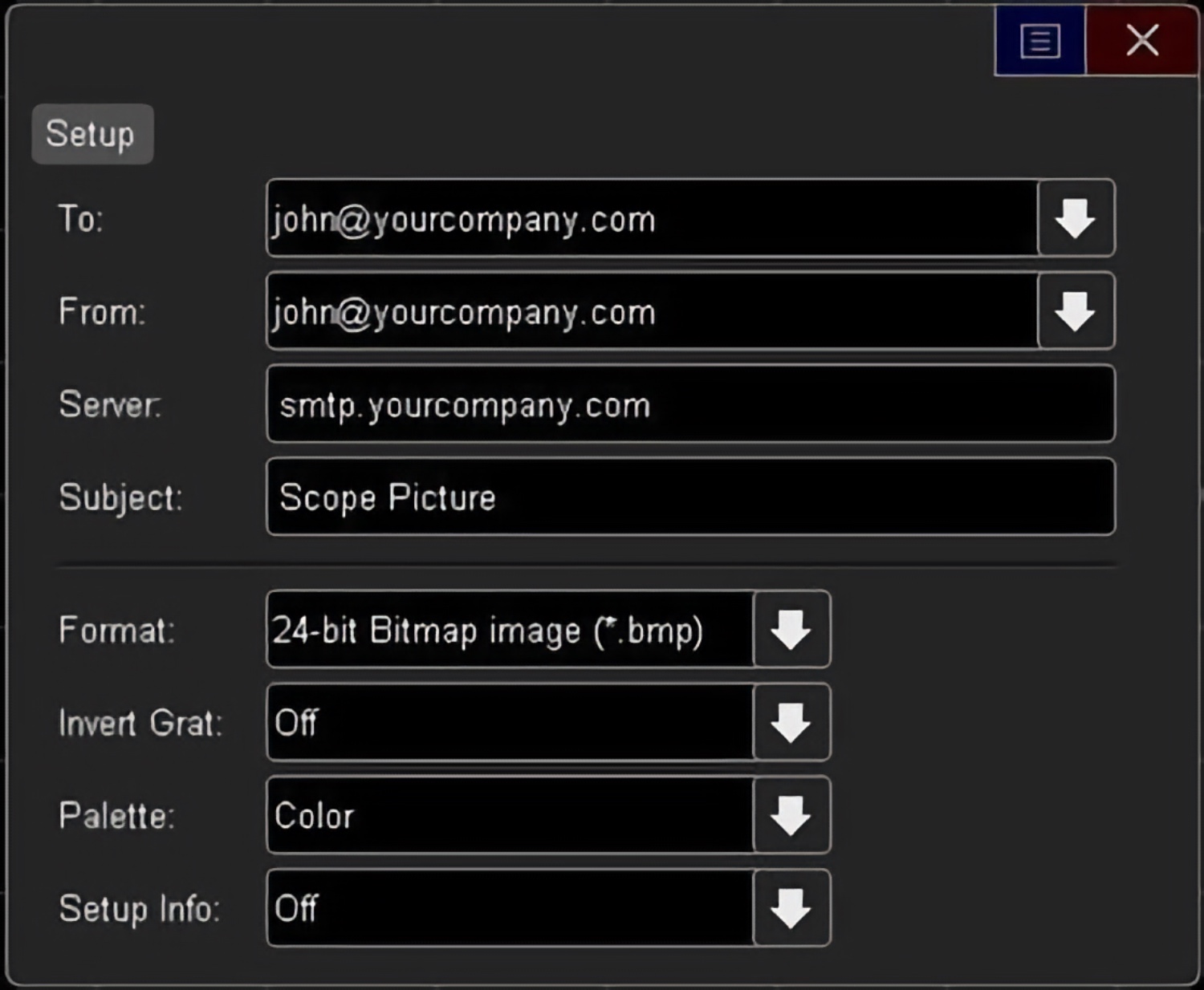
Figure 7. With the standard LAN/VGA module you can email yourself setups, data, and screenshots.
Redefine your remote web control oscilloscope experience
The InfiniiVision 3000G X-Series oscilloscope offers traditional control via a PC Web browser, but also supports remote control through popular tablet devices when using the standard LAN/VGA interface.

Figure 8. Remotely control the InfiniiVision 3000G X-Series oscilloscope via tablet device.
Discover: Fast Update Rate and Zone Triggering Uncover Hidden Signal Problems
Industry-leading uncompromised update rate
If you can’t see the problem, you can’t fix the problem. With an industry-leading update rate of over one million waveforms per second, the InfiniiVision 3000G X-Series oscilloscope gives you the highest probability of capturing random and infrequent events that you would miss on an oscilloscope with a lower waveform update rate.
Powered by MegaZoom IV smart memory technology, the InfiniiVision 3000G X-Series not only lets you see more waveforms, but it has the uncompromised ability to find the most difficult problems in your design under any conditions. Unlike other oscilloscopes, uncompromised ability means:
• Always-fast, responsive operation
• No slowdown with logic channels on
• No slowdown with protocol decoding on
• No slowdown with math functions on
• No slowdown with measurements on
• No slowdown with vectors on
• No slowdown with sinx/x interpolation on
What is waveform update rate?
As oscilloscopes acquire data, process it, and plot it to the screen, there is inevitable “dead time,” or the time oscilloscopes miss signals completely while processing waveform data from the previous acquisition. In general, the faster the waveform update rate, the shorter the dead time. The shorter the dead time, the more likely an oscilloscope is to capture anomalies and infrequent events. This is why it is important to select an oscilloscope with a fast waveform update rate. Figures 9 and 10 demonstrate the difference between a slower update rate and a faster update rate
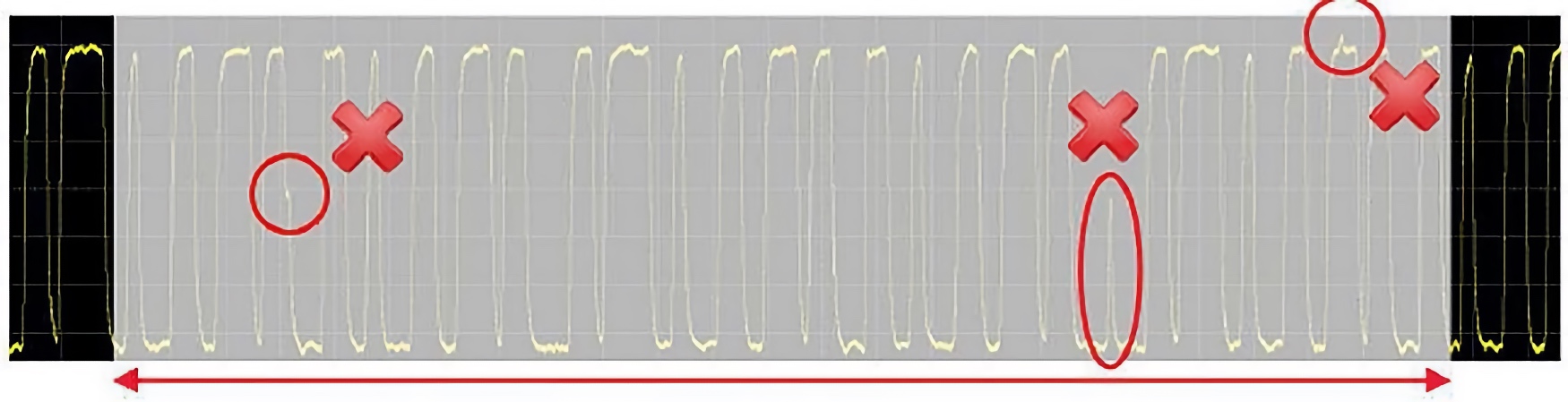
Figure 9. Another vendor’s oscilloscope with 50,000 waveforms/second. A long dead time decreases your chances of capturing infrequent events.
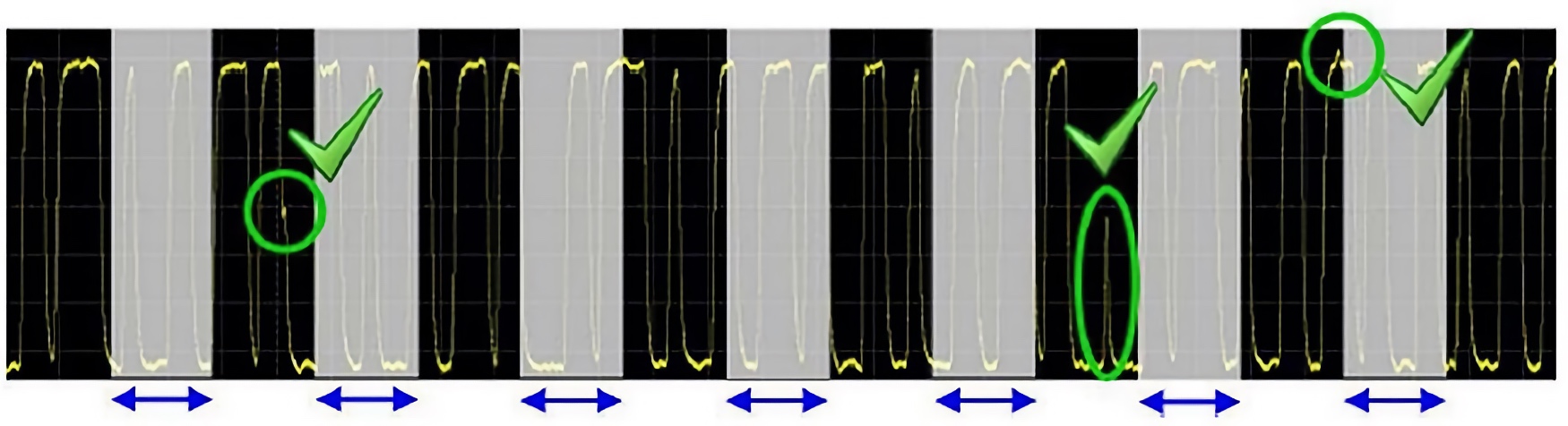
Figure 10. InfiniiVision 30000G X-Series with 1,000,000 waveforms/second. A short dead time increases the probability of capturing infrequent events.
But all specs aren’t equal. Many vendors may claim a fast update rate specification, but that is only in a special mode, or without any features turned on. The table bellow shows the 3000G X-Series update rate versus a competing oscilloscope.
While all scopes update rate will vary to some degree by the timebase setting, it is critical that the update rate remain constant regardless of the functionality you are using within the oscilloscope.
Measured update rate between the 3000G X-Series and the Danaher Tektronix MDO3000.
Note how the update rate fluctuates wildly on the MDO3000 based on different settings/features.
| |
10 ns/div |
| |
Keysight 3000G X-Series |
Tektronix MDO3000 Series |
| Max with no features on |
Update rate |
Probability |
Update rate |
Probability |
| Max with digital ch on |
1,114,000 |
94% |
281,000 |
50% |
| Max with measurements on |
1,101,000 |
94% |
132 |
0.03% |
| Max with FFT on |
1,114,000 |
94% |
2,200 |
0.55% |
| Max with serial on |
1,114,000 |
94% |
2,200 |
0.55% |
| Max with search on |
1,100,000 |
94% |
1,800 |
0.45% |
| Max with ref wfms on |
1,113,000 |
94% |
2,200 |
0.55% |
Why is an uncompromised update rate important?
When debugging or troubleshooting a project, it is important that you see as much signal detail as possible. A fast update rate is just part of the overall equation to determine the likelihood of seeing an anomaly. The frequency of the anomaly, the timebase setting of the oscilloscope and the amount of time you allow the oscilloscope to see the anomaly all come in to play:
Pt = 100 x (1-[1-RW](U x t))
Where:
Pt = Probability of capturing anomaly in “t” seconds
t = Observation time
U = Scope’s measured waveform update rate
R = Anomalous event occurrence rate
W = Display acquisition window = Timebase setting x 10
Therefore, it is important to select an oscilloscope with the fastest uncompromised update rate to allow enough time to increase your chances of seeing the glitch. In the table above, in addition to the measured update rate, we show the probability of seeing a glitch that happens 5 times a second while allowing the oscilloscope to acquire for 5 seconds. With the 3000G X-Series you maximize your chances of seeing the infrequent glitch. With the competing scope, if you are using any of the other features like measurements, or search or digital channels, the update rate slows considerably. The only option you have in this case is to allow the oscilloscope to run longer. For example, if you are using digital channels, you’ll have to let the scope run over 8,000 times longer to get a similar probability to the uncompromised update rate of the 3000G X-Series. That’s almost 12 hours of time versus 5 seconds!














Leave a Comment